

COMMUNITY IMAGE 01
A look at the viewing and setup experience shared through the supplied image collection.
Find a plan that fits your screen count and viewing horizon. The full total is always shown first, and savings compare against renewing the one-month plan.
Select simultaneous devices and a fixed currency. Every price below is the complete plan total; monthly and daily figures are only comparisons.

Confirm available payment methods with support before purchase.
Each connection option includes the same core access. Choose a duration in each card to see its complete fixed price.
Browse the supplied screenshots for a closer look at the service experience. Individual ratings, identities, and purchase status have not been independently verified.
A look at the viewing and setup experience shared through the supplied image collection.
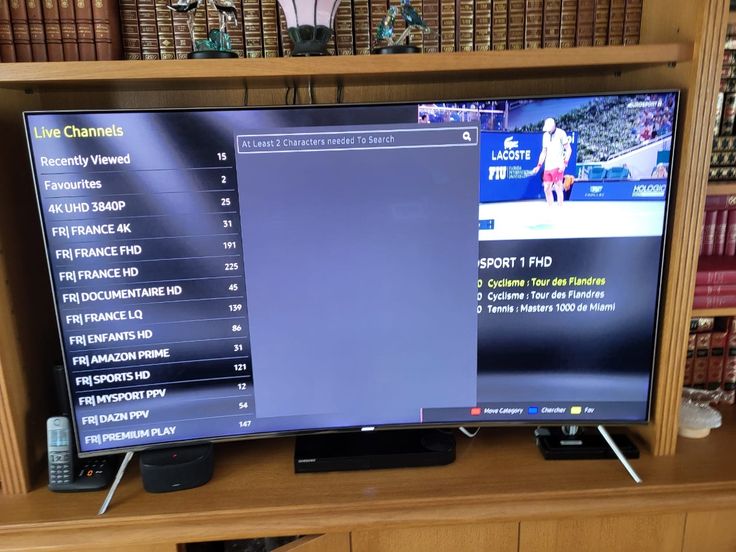
A look at the viewing and setup experience shared through the supplied image collection.
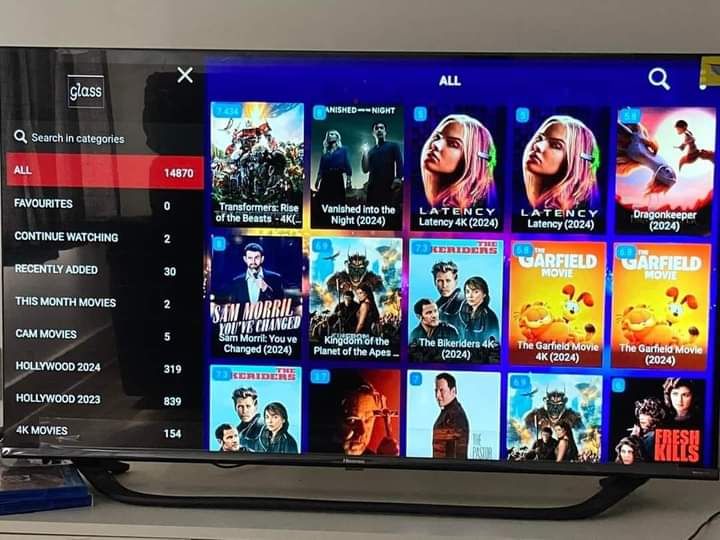
A look at the viewing and setup experience shared through the supplied image collection.
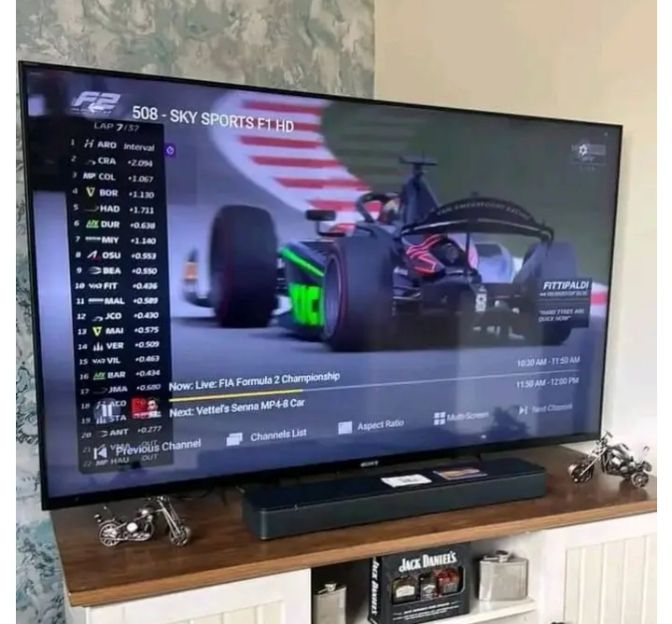
A look at the viewing and setup experience shared through the supplied image collection.
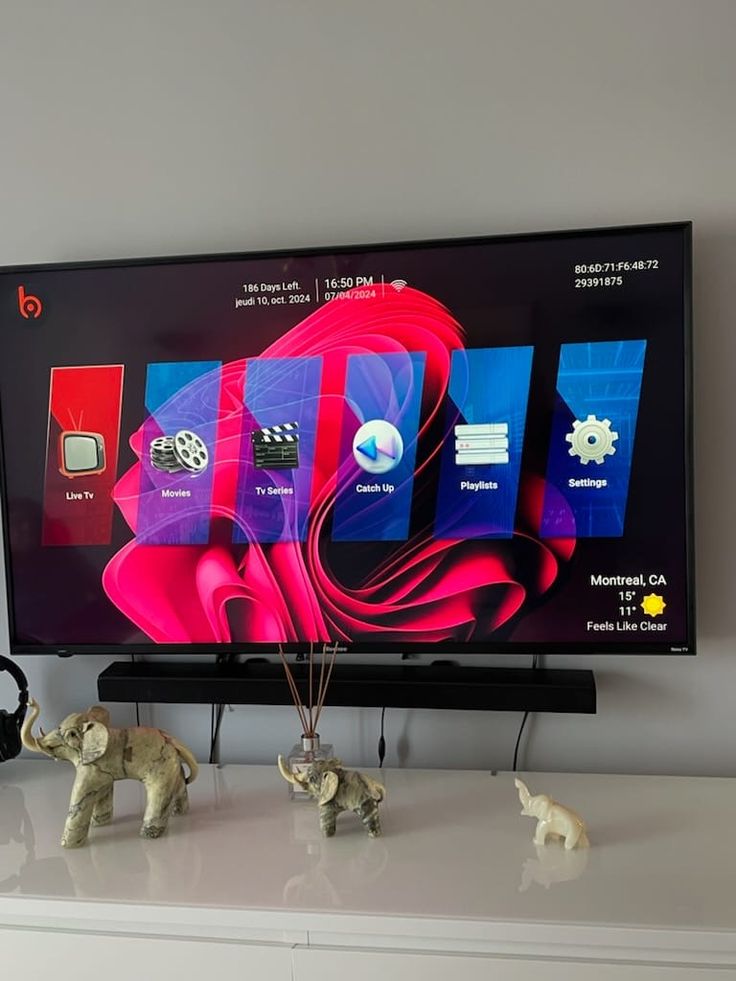
A look at the viewing and setup experience shared through the supplied image collection.
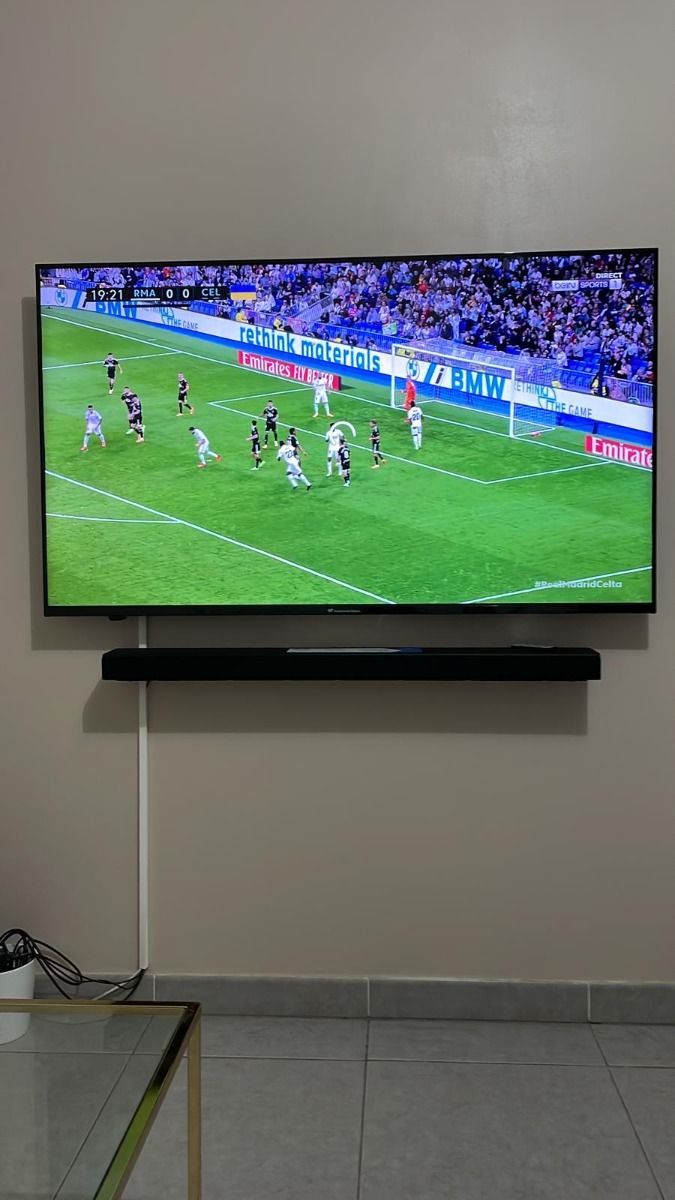
A look at the viewing and setup experience shared through the supplied image collection.
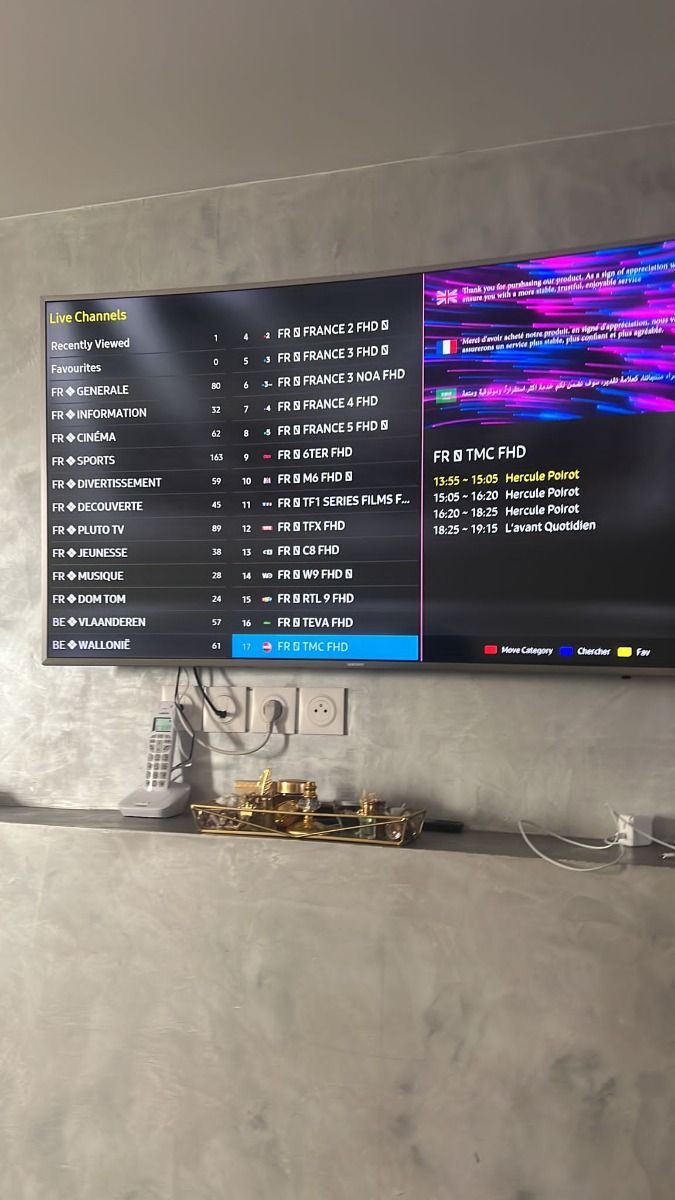
A look at the viewing and setup experience shared through the supplied image collection.
Review how plans, devices, and payments work.
Use our contact page for plan, activation, and playback questions. Support availability and response times should be confirmed before purchase; we do not promise a response window that has not been verified.
Choose a duration, device count, and currency in the pricing selector. The order button prepares your plan details for the support team. Request the current payment method and review the total before paying.
Many IPTV players run on Smart TVs, Fire TV devices, Android phones and boxes, iPhone, iPad, Apple TV, and computers. Player availability varies by store, device model, and software version.
The catalog may include live TV, sports, movies, and series. Exact channels, titles, and regions change, so ask for a current list before subscribing. A player app alone does not supply content.
As a practical starting point, allow about 10 Mbps for HD and 25 Mbps for 4K per stream. Your connection, Wi-Fi strength, source quality, and device performance also affect playback.
A VPN is optional for many viewers. It may add privacy but can also reduce speed. Follow applicable law and your internet provider's terms, and use only content you have a right to access.
You can generally use a compatible player wherever you have a reliable internet connection, subject to rights, account terms, local rules, and any location restrictions on particular content.